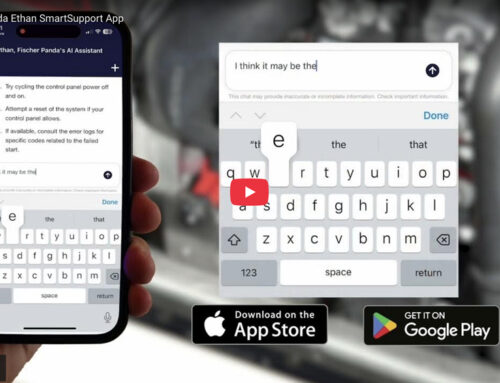

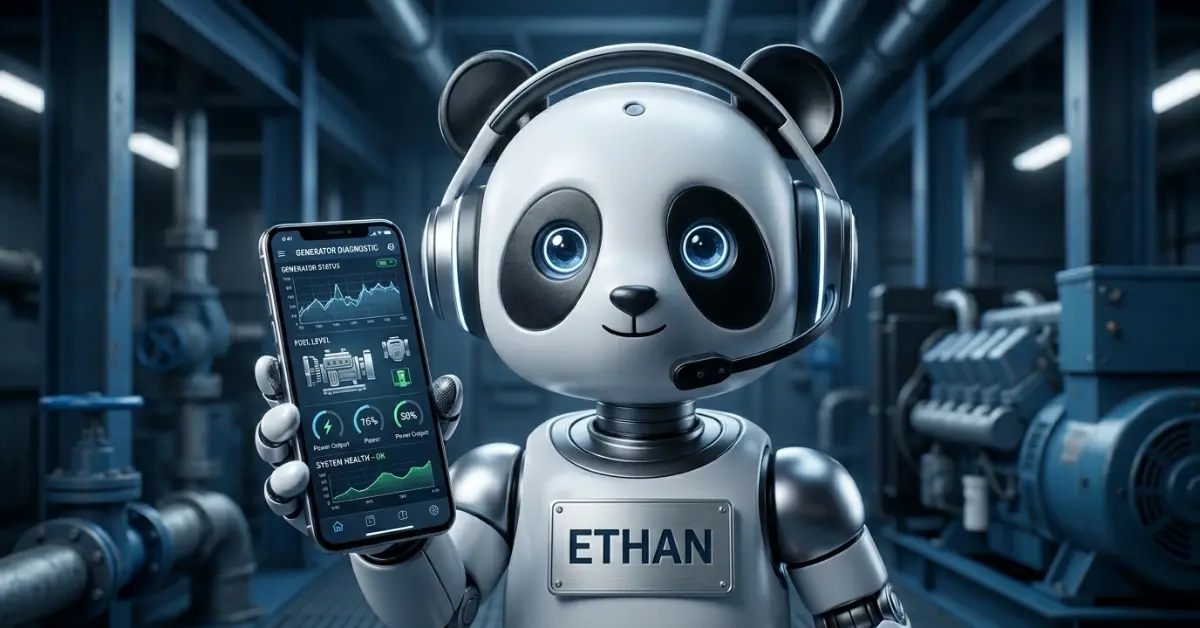
Generator problems rarely happen at a convenient time. Whether you are anchored out, parked at a remote campsite, or in the middle of a military operation, having immediate access to product information can be invaluable. That is exactly the problem the Fischer Panda Ethan SmartSupport App is designed to solve.
Ethan is an AI assistant designed to provide immediate support and information, reducing the need for traditional support tickets. Here is how to get the most out of it.
Step 1: Download the App
The Fischer Panda Ethan SmartSupport App is available on both the App Store and Google Play Store. Search “Fischer Panda” to find and download it. It is free to download and does not require a subscription to use. You can also access Ethan directly from a browser at ethan.fischerpanda.com if you prefer not to use the app.
Step 2: Describe Your Issue to Ethan
Common issues Ethan can help diagnose include:
- Generator not starting, or starting and immediately stopping
- Fault codes showing on the control panel
- Low or unstable output voltage
- Overheating or unusual coolant temperatures
- Oil pressure warnings or incorrect oil type questions
- Fuel system issues including air locks and filter blockages
Step 3: Access Manuals and Technical Documents
Step 4: Use Ethan for Routine Maintenance Questions
- Correct oil grade and viscosity for your specific model
- Service interval reminders and what each service includes
- Coolant type and capacity specifications
- Filter part numbers and where to source replacements
When to Call a Technician
Ethan is designed to handle a wide range of support scenarios, but some issues require hands-on service by a qualified technician. If Ethan identifies a fault that goes beyond what can be resolved through settings or basic maintenance, it will direct you to contact Fischer Panda support or find an authorized dealer.
Instant answers, expert support—right from your pocket. Download the Fischer Panda Ethan App now.